Data Erasure, Degaussing & Physical Destruction: Which one is right for You?
Learn the difference between these three methods of data destruction on your IT Assets. Choose a proper & safe sanitization method for your SSD & Hard drive.
How do you destroy data on your retiring IT assets and which method is right for your needs?
When it comes time to replace your organization's IT Assets (eg: laptops, servers, hard drives) the biggest question becomes how to destroy the data on-site? Basically, this can be done in three main ways. Each method has its own advantages & limitations.
1. Data Erasure / Logical Wiping
It is a software-based method where binary data is overwritten in every sector of the hard drive.
How it works: Specialized software (eg: NIST 800-88 Compliant) repeatedly writes new data to the drive, making it impossible to recover old data.
Advantages
Limitations
If the drive is physically damaged or corrupted, the software cannot access it making erasure impossible in those cases.
2. Degaussing
This is a strong magnetic method that is commonly used for magnetic storage devices.
How it works: The magnetic domains inside the hard drive are shuffled through a strong magnetic field or magnetic force.
Advantages
Limitations
This destroys the drive permanently it can no longer be used or resold after degaussing.
Warning
Degaussing does not work on modern SSDs, because SSDs use flash memory not magnetic storage. For SSDs, use data erasure or physical destruction instead.
3. Physical Destruction
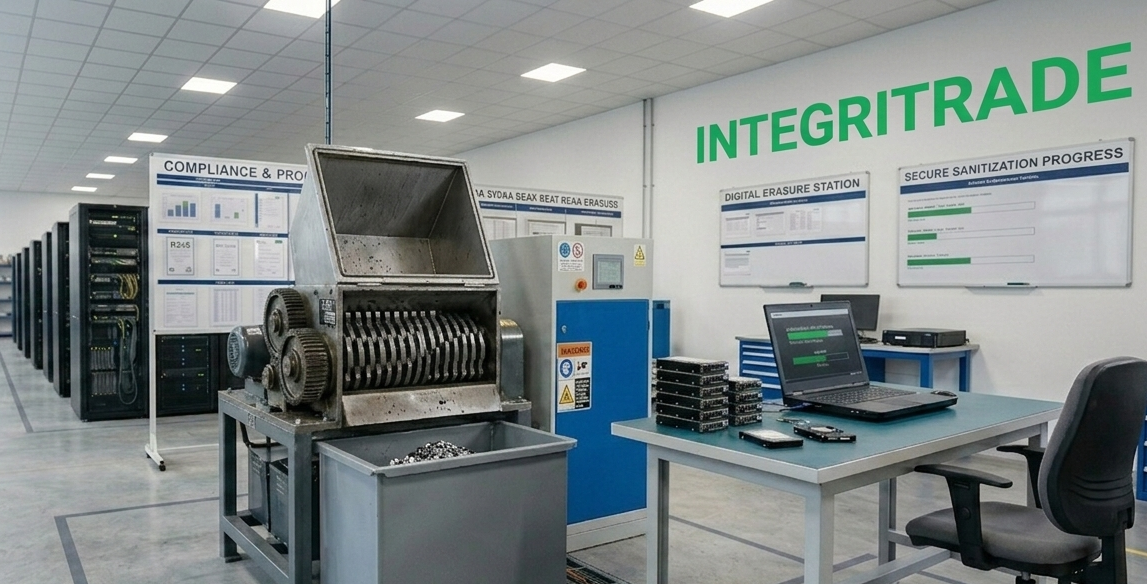
This means physically breaking the hardware into pieces.
How it works: A hard drive or SSD is shredded into small pieces (typically 20mm or less) by using a physical shredder machine.
Advantages
Limitations
Our Advice: Which one would you choose?
Your decision will depend on your security policy & device condition:
Choose Data Erasure
If you need resale value (ROI) of the device & the drive is still operational, Data Erasure is best. The hardware stays intact for reuse or resale.
Choose Shredding or Physical Destruction
If the drives are very old or damaged & need to be destroyed quickly, then choose shredding or physical destruction. No recovery is possible and that's the point.
Choose Our Integrated Method (Maximum Security)
For maximum security, we recommend our integrated approach: Erasure first, followed by Physical Destruction. This dual-method ensures both compliance and absolute data elimination.
Quick Comparison
Frequently Asked Questions
Final Thoughts
There is no single “best” method it depends on the condition of your drives, your security requirements, and whether you want to recover value from the assets. The key is making an informed choice before your data becomes a liability.
Remember: IntegriTrade LLC has no record of a data breach in its history. When you work with us, your data security and your asset value are in safe hands.