How to Properly Decommission Old Computers & Office Equipment
Learn how to safely decommission old computers and office equipment. Follow a secure, compliant step-by-step process for data wiping, recycling, and IT asset disposal.
The Critical Need for Proper IT Decommissioning
Businesses replace their computers, servers, and office electronics every few years. But what many companies don't realize is that removing old equipment isn't as simple as unplugging it and throwing it away.
Modern devices store sensitive data, contain hazardous materials, and are regulated by strict state and federal laws. Failing to dispose of equipment correctly can result in data breaches, legal violations, environmental damage, and heavy fines.
This comprehensive guide explains exactly how to properly decommission old computers and office equipment, why the process matters, and how to avoid the risks associated with improper disposal. Whether you're upgrading office workstations, downsizing, relocating, or clearing out outdated technology, this step-by-step guide ensures you remain secure, compliant, and environmentally responsible.
What Is IT Equipment Decommissioning?
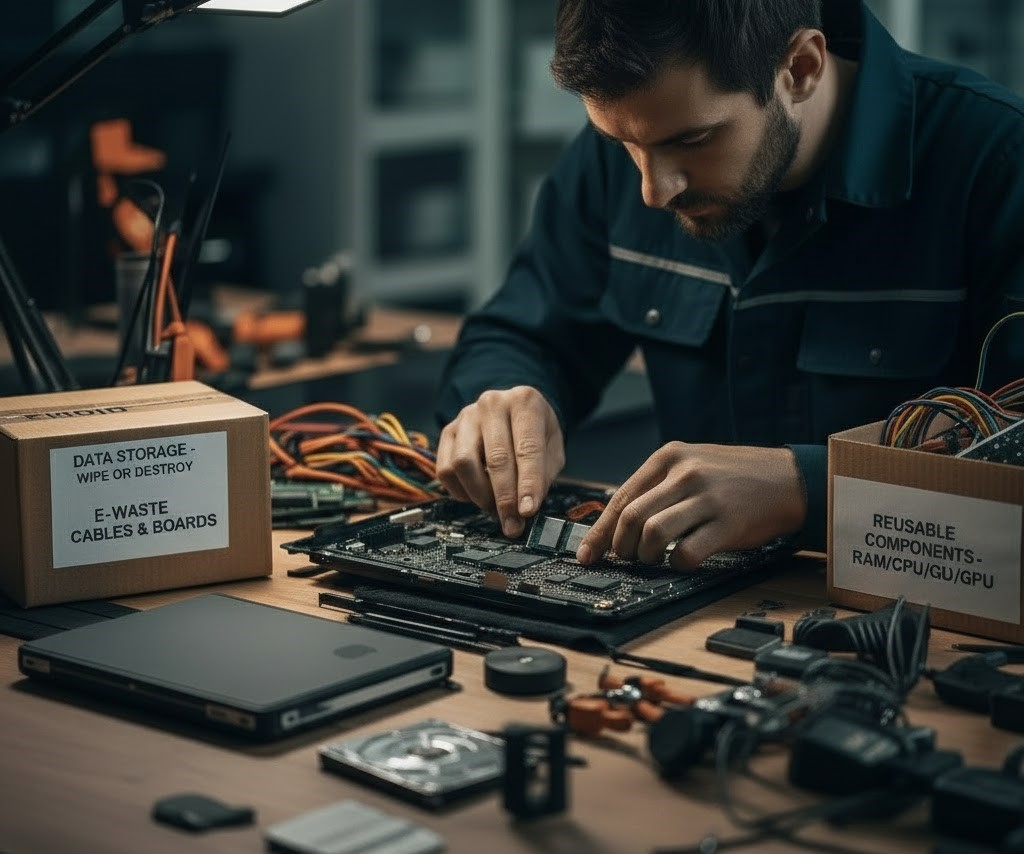
Secure, structured removal of outdated technology.IT equipment decommissioning refers to the secure, structured removal of outdated or unused technology from a business environment.
Includes:
- Data backup
- Data wiping or destruction
- Component removal
- Equipment packing and labeling
- Certified recycling or refurbishment
- Documentation for compliance
Applies to:
Any device that stores or processes data requires proper decommissioning.
Why You Should Never Throw Electronics in the Trash
Electronics (e-waste) are banned from landfills in many states due to hazardous materials. The toxins inside can leak into soil and water sources.
Improper disposal contributes to one of the world's fastest-growing pollution problems.
Why Proper Decommissioning Matters
Secure, structured removal of outdated technology
Prevent Data Breaches
Old computers, servers, printers, and even copiers store sensitive information including employee records, customer information, financial documents, confidential emails, and internal databases.
A single discarded hard drive can expose your company to identity theft, fraud, and cyberattacks.
Avoid Legal Violations
Electronics are illegal to dump in landfills in 25+ states, including California, New York, Illinois, Colorado, Massachusetts, and Minnesota. Laws such as HIPAA, SOX, FERPA, FACTA, and state data privacy regulations require businesses to handle old data-bearing devices with extreme caution.
Prevent Environmental Damage
Computers and office equipment contain toxic substances including lead, mercury, cadmium, and arsenic that can leak into soil and groundwater if improperly discarded.
Reduce Corporate Liability
Improper disposal could result in heavy fines, lawsuits, loss of certifications, and damage to brand reputation.
Step-by-Step Decommissioning Guide
Follow this structured process for secure disposal
Create a Full IT Asset Inventory
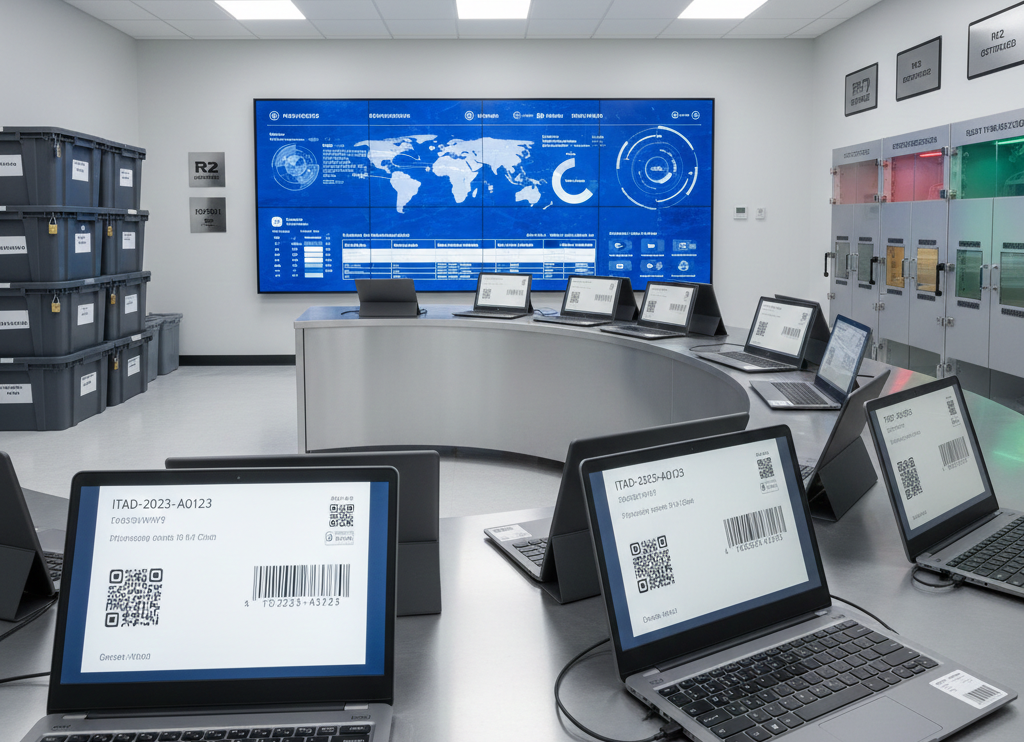
Before removing anything, create a detailed inventory with asset numbers, serial numbers, device type, user assigned, condition, hard drive status, and special handling needs. This ensures traceability, prevents loss, and simplifies reporting.
Tools you can use:
Backup and Migrate All Important Data
Before wiping or destroying devices, ensure all data is successfully backed up. A 'zero data loss' policy ensures business operations continue seamlessly after devices are removed.
Securely Sanitize, Wipe, or Destroy Data
This is the most critical step. Data must be destroyed according to recognized security standards such as NIST 800-88, DoD 5220.22-M, HIPAA/HITECH, and GLBA.
Remove Sensitive Components from Office Equipment
Most people don't realize that business printers and copiers store data. Devices that contain storage drives include multifunction printers, copiers, fax machines, scanners, and high-volume office printers. Always extract hard drives and memory storage before recycling.
Disconnect, Label, and Prepare Devices for Pickup
Your team or ITAD vendor should remove all connected cables, label devices by department or user, place similar devices together, bag accessories (keyboards, cables), use bubble wrap for fragile items, and place equipment neatly on pallets. Proper organization reduces damage and speeds up processing.
Choose a Certified E-Waste Recycling Partner
Never work with uncertified haulers they often export electronics illegally, commit data security violations, or send materials to unsafe dumps abroad. Look for recyclers with certifications:
Look for:
Arrange Secure Transport and Chain-of-Custody
A professional ITAD company should provide GPS-tracked vehicles, locked transportation bins, sealed containers, digital asset tracking, and scan-in/scan-out logs. This ensures no device goes missing during transit. Essential for businesses in healthcare, finance, education, government, and enterprise-level operations.
Receive Certificates of Data Destruction and Recycling
At the end of the decommissioning process, your company should receive three crucial documents for audits, compliance reviews, and legal proof of destruction:
Required Documents:
How to Decommission Office Equipment (Printers, Copiers, Servers, and More)
Special considerations for different device types
Printers & Copiers
These devices often store printed documents, scanned files, copy jobs, and user credentials.
Steps:
- Remove the hard drive
- Wipe or destroy the drive
- Disconnect cables
- Prepare for certified recycling
Servers & Networking Equipment
Servers may store customer databases, employee info, financial data, passwords, and admin accounts.
Steps:
- Backup all system data
- Wipe RAID arrays
- Remove SSD/HDD drives
- Decommission network switches
- Prepare hardware for secure recycling
Monitors (LCD, LED, CRT)
These require special handling due to hazardous materials:
Always recycle with certified facilities that handle hazardous materials properly.
Sustainability Benefits of Proper IT Recycling
Environmental and economic advantages
Reduced Landfill Waste
Electronics are one of the biggest contributors to toxic waste. Proper recycling prevents hazardous materials from contaminating soil and groundwater.
Conservation of Raw Materials
Recycling recovers valuable materials including gold, silver, copper, palladium, and aluminum, reducing the need for new mining.
Lower Carbon Output
Recycling reduces the need for energy-intensive mining and manufacturing processes, lowering overall carbon emissions.
Cost of Decommissioning Old Computers
Prices vary based on several factors:
- Number of devices
- Type of data destruction required
- Pickup distance
- On-site vs off-site processing
- Certification requirements
How to Choose the Right ITAD Partner
Use this checklist when selecting a partner:
- Are they R2v3 certified?
- Do they offer on-site data destruction?
- Do they provide chain-of-custody documentation?
- Are their processes secure and transparent?
- Do they offer responsible, domestic recycling?
- Are they insured and compliant with state laws?
Selecting the right partner eliminates risk and ensures compliance.
Frequently Asked Questions
Common questions about IT decommissioning
How long does decommissioning take?
Usually 1–5 business days depending on volume. Most recycling companies offer scheduled or same-week pickup services.
Can we watch the shredding process?
Yes, certified recyclers often offer live or video-verified shredding for complete transparency and accountability.
Do printers and copiers really store data?
Yes, almost all modern office printers contain internal memory that stores printed, scanned, and copied documents along with user credentials.
Are we required to destroy data?
Yes, federal and state laws including HIPAA, SOX, FERPA, GDPR, and industry-specific regulations require proper data sanitization before disposal.
What certifications should we look for?
R2v3, e-Stewards, ISO 14001 (Environmental Management), ISO 45001 (Worker Safety), and NAID AAA (for data destruction) certifications ensure proper handling and compliance.
Trusted Certifications for Secure Decommissioning
Conclusion : Secure Decommissioning is Essential
Properly decommissioning old computers and office electronics is not optional; it is essential. The risks of improper disposal range from data breaches and legal penalties to environmental pollution and corporate liability.
By following the step-by-step process in this guide and working with a certified, reputable ITAD provider, you can ensure your business remains secure, compliant, and environmentally responsible while smoothly transitioning into newer technology.