Data Destruction and Hard Drive Shredding in the San Francisco Bay Area
Certified data destruction and hard drive shredding across the Bay Area: NIST SP 800-88 erasure, 2mm SSD shredding, sealed totes, serialized certificates.
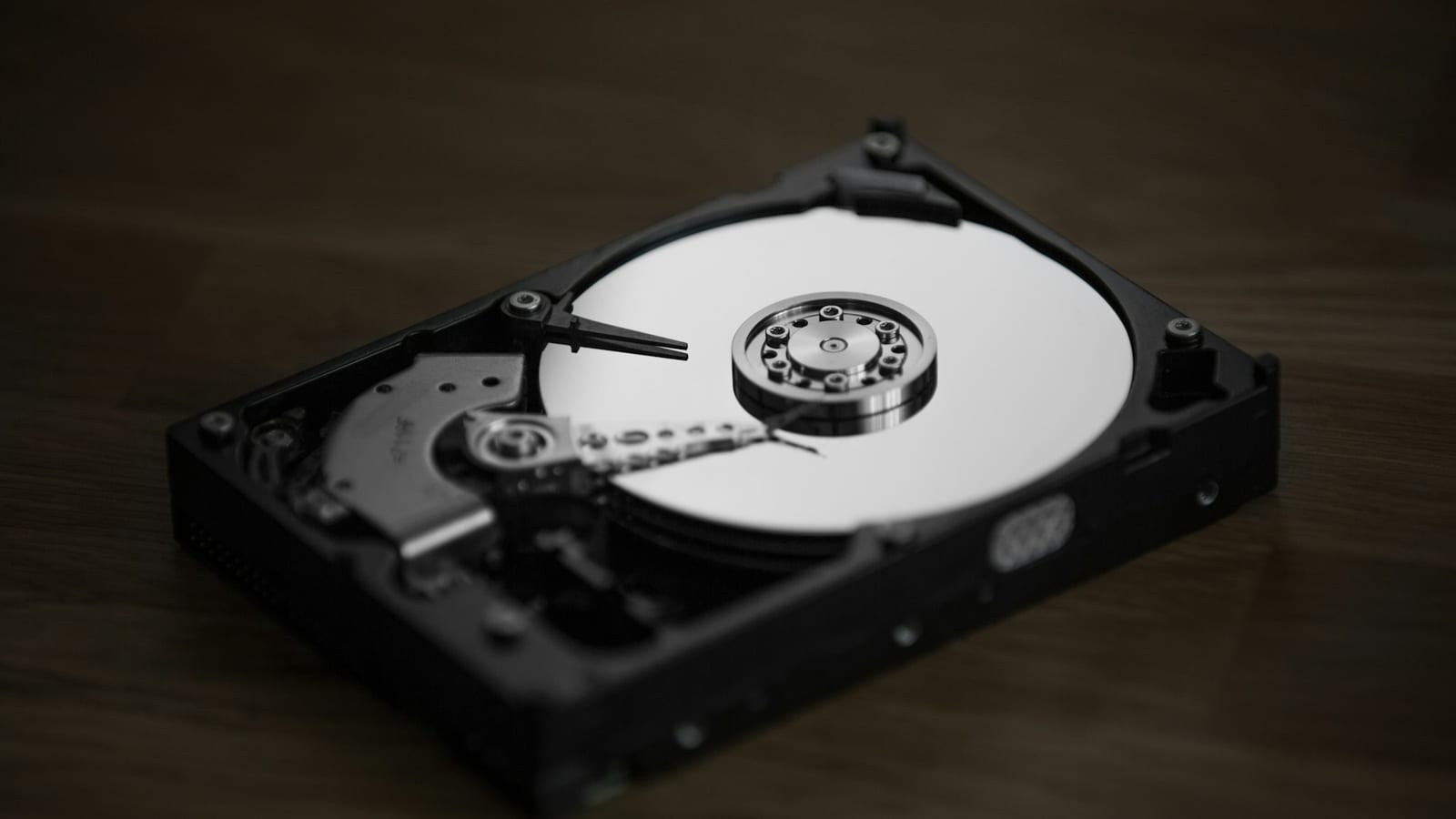
When a laptop, server, or phone leaves your organization, the data on it does not leave by itself. Deleted files and reformatted drives can often be recovered with freely available tools, and a single unaccounted-for drive can become a reportable breach.
For Bay Area organizations, from San Francisco financial firms and Oakland healthcare providers to San Jose and Palo Alto technology companies and Fremont manufacturers, data destruction is the most important step in retiring IT equipment. It is also the step that needs the most proof.
Integritrade provides certified data destruction and hard drive shredding for businesses across the Bay Area. This guide covers the methods, the documentation you should expect, and the California and federal rules that apply.
Why Deleting Files and Formatting Drives Is Not Enough
Deleting a file removes the reference to it, not the data itself. A quick format rebuilds the file system but leaves most of the underlying data in place. Until that space is overwritten or the media is destroyed, the information can often be recovered. Our article on whether deleted data can be recovered explains how.
SSDs add another layer of risk. Wear leveling and spare capacity mean copies of data can sit in areas the operating system cannot reach, so overwrite tools designed for hard drives are not a reliable way to sanitize flash storage.
Erasure or Destruction: Choosing the Right Outcome
NIST SP 800-88, the media sanitization standard most organizations follow, describes three outcomes:
- Clear uses logical techniques, such as overwriting, to protect against simple recovery.
- Purge protects against laboratory recovery, using methods such as cryptographic erase, device sanitize commands, or degaussing for magnetic media.
- Destroy physically destroys the media, by shredding, disintegrating, or pulverizing it, so recovery is infeasible and the media cannot be used again.
Erasure keeps a device usable, which preserves its resale value. Destruction is the right choice when a device has failed, has reached end of life, or your policy requires it. Many projects use both: erasure for equipment that will be resold and destruction for everything else. Our guide to NIST SP 800-88 Rev. 2 covers each outcome in detail, and our Bay Area IT equipment buyback guide explains how qualifying equipment is bought back after triage and testing.
Integritrade's In-House Destruction Equipment
Integritrade performs data destruction in-house at its 31,000 sq ft facility in Fresno, rather than passing data-bearing devices to a third party. The facility is monitored by video 24/7 and staffed by background-checked technicians. Its equipment includes:
- Hard drive shredders
- Degaussers for magnetic media, including hard drives and tape
- SSD and flash media shredding and pulverization to 2mm particle size
- PXE-boot erasure servers for high-throughput, serialized sanitization
- USB-boot erasure for individual devices
- Mail-in kits for retrieving devices from remote employees
See the full list on our equipment page, and our remote IT asset recovery service for devices held by employees working from home.
Matching the Method to the Media
Degaussing works only on magnetic media. It has no effect on SSDs, flash drives, or phones, which is why a provider that relies on degaussing alone cannot sanitize most modern devices. The right method depends on the media and on whether the device will be reused:
| Media | When the Device Will Be Reused | When the Media Must Be Destroyed |
|---|---|---|
| Hard disk drives | NIST SP 800-88 overwrite with verification | Degaussing and shredding |
| SSDs and NVMe drives | Cryptographic erase or sanitize commands, with verification | Shredding and pulverization to 2mm particle size |
| Laptops with built-in storage | Firmware-level erase with verification | Physical destruction of the storage components |
| Phones and tablets | Device-level erase with verification | Physical destruction |
| USB drives and SD cards | Rarely reused | Shredding |
| Magnetic tape | Not reused | Degaussing and shredding |
| Servers and storage arrays | Drive-by-drive erasure with serialized reports | Drive removal and shredding |
Any device that fails erasure is moved to physical destruction, and the change is recorded against its serial number.
Sealed Totes and an Unbroken Chain of Custody
Integritrade collects data-bearing devices in lockable storage totes closed with tamper-evident seals. Seal numbers are recorded, and the sealed totes are photographed when they arrive at our Fresno facility, so you have a documented, unbroken chain of custody from your site to the shredder. The drives are then shredded under 24/7 video surveillance, and each one is recorded against its serial number.
Videotaped destruction is available on request when your auditors or internal policy require visual proof.
Data Center and Server Room Decommissioning
A data center decommission or server room cleanout can retire hundreds of drives at once, often from equipment that is still under lease or will be resold. At that scale, the reporting matters as much as the destruction. A reconciliation report should tie every drive serial number to the server or array it came from and to its final outcome, whether the drive was erased for reuse or shredded.
Drives that leave with the hardware should be erased and verified first. Drives that cannot be erased, or that your policy says must be physically destroyed, should be removed, sealed in totes, and shredded, with the destruction recorded against the same serial numbers. See data center decommissioning in San Jose and data center decommissioning in San Francisco.
What a Certificate of Destruction Should Include
A certificate is only useful if it ties each device to its outcome. A complete Certificate of Destruction or Certificate of Erasure should show:
- The serial number of each drive or device, and your asset tag where applicable
- The method used, such as the erasure standard, degaussing, or shredding and particle size
- The date and location of the work
- A chain-of-custody record from pickup to final disposition
- The provider's name and an authorized signature
Integritrade issues serialized Certificates of Erasure and Certificates of Destruction, and Full ITAD clients can download them in TraceTech as they are issued. Our article on Certificates of Destruction vs. Certificates of Erasure explains when you need each one.
Regulations Bay Area Organizations Need to Meet
Data destruction requirements come from several directions at once:
- California Civil Code Section 1798.81 requires businesses to take all reasonable steps to destroy customer records containing personal information when they are no longer kept, by shredding, erasing, or otherwise making the information unreadable.
- HIPAA requires healthcare organizations to have policies for the final disposition of electronic protected health information and the media it is stored on. HHS lists clearing, purging, and destroying, such as shredding, as acceptable methods for electronic media. See our HIPAA-compliant ITAD guide.
- The FTC Safeguards Rule under the Gramm-Leach-Bliley Act requires covered financial institutions to securely dispose of customer information, generally no later than two years after it was last used to serve the customer. See our guide to financial services ITAD.
- FERPA protects student education records, which schools and universities must safeguard when devices are retired. See our guide to school IT asset disposition.
- California DTSC rules regulate discarded electronic devices as universal waste, so the hardware itself must go to an authorized handler or recycler after the data is destroyed.
Data Destruction Across the Bay Area
Integritrade coordinates data destruction pickups throughout the Bay Area from its service location in Pinole, including:
- Data destruction in San Francisco
- Data destruction in Oakland
- Data destruction in San Jose
- Data destruction in Fremont
- Data destruction in Hayward
- Data destruction in Palo Alto
The same service covers the Peninsula, the South Bay, and the rest of the East Bay. To schedule a pickup, request a consultation, call (559) 325-4813, or reach the Bay Area service location in Pinole at (415) 449-0676.
Frequently Asked Questions
Yes. Integritrade provides hard drive shredding and certified data destruction for San Francisco businesses. Drives are collected in lockable totes closed with tamper-evident seals, photographed on arrival at Integritrade's Fresno facility, and shredded under video surveillance.
Yes. Integritrade serves San Jose, Palo Alto, and the rest of Silicon Valley with NIST SP 800-88 erasure, SSD destruction, hard drive shredding, and serialized Certificates of Destruction.
Yes. Integritrade shreds and pulverizes SSD, NVMe, and other flash media to 2mm particle size. When the device will be reused, it can instead be sanitized with NIST SP 800-88 Purge methods such as cryptographic erase. Degaussing does not work on SSDs.
Yes. Integritrade issues serialized Certificates of Destruction and Certificates of Erasure that list each device by serial number with the method and date, backed by chain-of-custody records. Full ITAD clients can download them in TraceTech.
Yes. Videotaped destruction is available on request. Shredding at Integritrade's Fresno facility also takes place under 24/7 video surveillance, after the sealed totes are photographed on arrival to confirm the chain of custody.
It depends on what happens next. Erase drives that will be reused or resold, because erasure preserves their value. Shred drives that have failed, are at end of life, or are covered by a policy that requires physical destruction. Integritrade can do both in one project, erasing resale-eligible devices and shredding the rest.
Integritrade is certified to R2v3, ISO 9001, ISO 14001, ISO 45001, and ISO/IEC 27001 for information security management.